Deterministic, not generative
Pixel Detail, palette, and dithering settings produce a repeatable starting grid.
Convert → Refine → Export. Start from an image, tune Pixel Detail and color, then edit every cell before downloading crisp PNG or SVG artwork.
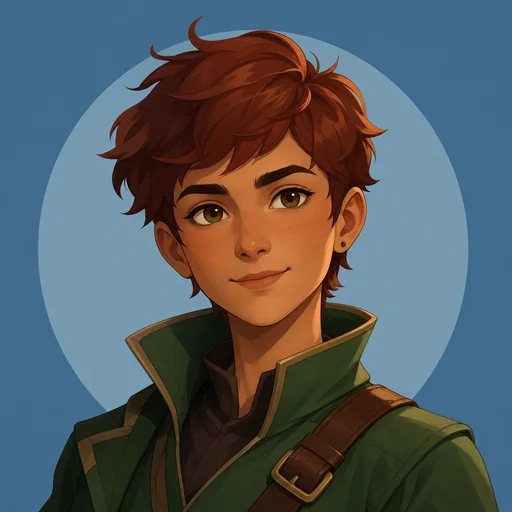 Artwork
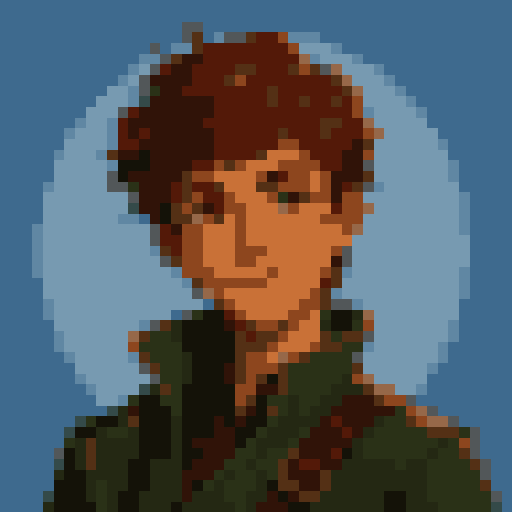 Pixel grid
PNG, JPEG, WebP or another static image · up to 20 MB
Drag across the image to compare the original with a finished pixel artwork built from editable cells.
Not a filter. Every generated cell becomes part of your working canvas.
Pixel Detail, palette, and dithering settings produce a repeatable starting grid.
Paint, erase, fill, sample, and restore until the converted base becomes your artwork.
Your source image, edits, and exports stay local to the browser while you work.
Turn a source into a practical first draft, then use the editor to decide which shapes, colors, and details remain.
SourceTool resultReduce a face or character to readable shapes, then repaint the eyes, hairline, and outline one cell at a time.
48 × 48 · 14 colors · clean · +6 contrast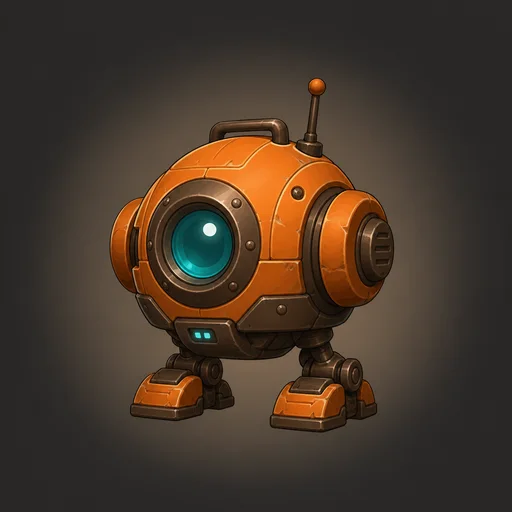 Source
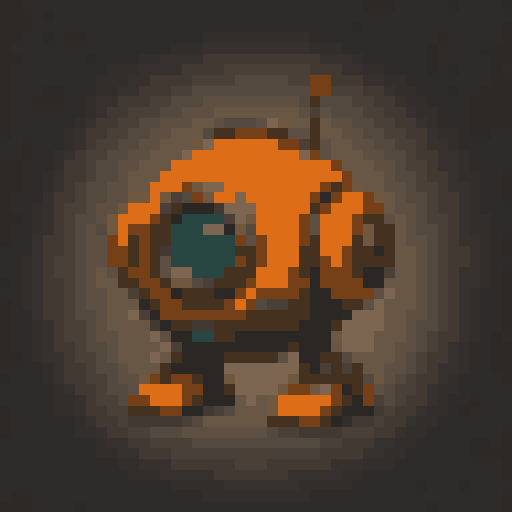 Tool result
Turn a photographed object into a compact sprite reference, lock in a palette, and clean the edges for your game.
48 × 48 · 16 colors · clean · +10 contrast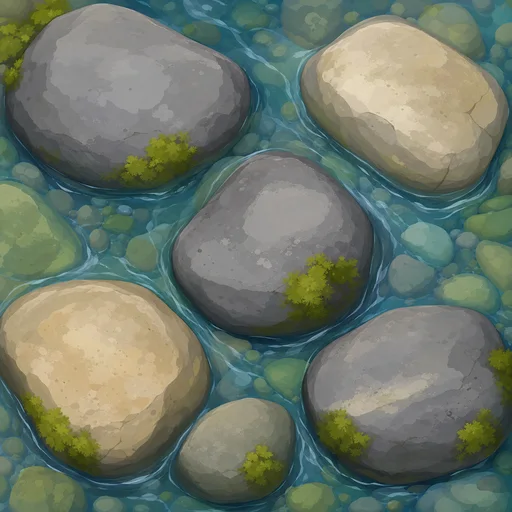 Source
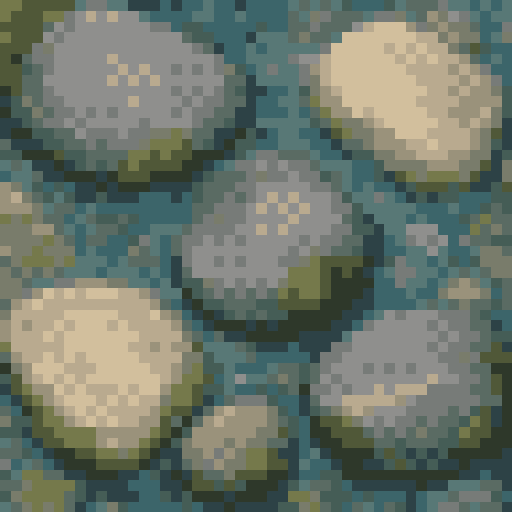 Tool result
Use restrained colors and low dithering to turn materials or landscapes into tiles, backgrounds, and scene studies.
48 × 48 · 14 colors · ordered 35% · −8 saturationImage conversion is the fastest path; blank canvases use the same editor when you want to draw from scratch.
Formats, browser storage, commercial use, export quality, and what happens to your source image.
Yes. The converter, pixel editor, browser-local project saving, and PNG and SVG exports are free to use, with no account required.
Yes. Start a blank canvas with up to 1,024 cells per side and 262,144 cells total, then use the same layers and editing tools as a converted project. New blank projects begin with a white background that you can make transparent in the editor.
Pixel Detail is the number of editable cells along a source image’s longest edge. Lower detail makes broader, chunkier shapes; higher detail keeps more of the source. It is separate from Canvas Size and Export Scale.
Pixel Art Tool accepts PNG, JPEG, WebP, and other static image formats your browser can decode. Images can be up to 20 MB.
No. Your source image, generated grid, edits, and exports are processed on your device. Pixel Art Tool does not upload image files to an application server.
No. The converter uses deterministic image sampling, color reduction, and optional dithering. It does not send your image to a generative model or invent new subject matter.
Yes, you may use the tool for personal or commercial creative work. You remain responsible for having the rights to use and adapt the source image.
Palettes limit and organize the colors in the generated grid. Dithering arranges those colors in patterns that suggest intermediate tones or texture.
Yes. Pixel Art Tool keeps a browser-local project library in IndexedDB, subject to the storage available in that browser profile. Download .pixeltool files for portable or durable backups.
Use native or whole-number scaled PNG for most game sprites and raster workflows. SVG preserves the grid as crisp vector geometry for scalable icons, UI artwork, and vector-capable pipelines.
Use a native-size or whole-number scaled PNG and display it without smoothing. Avoid resizing to fractional dimensions after export.